网站打不开:按状态、域名和应用逐层排查
先确定失败发生在哪一层,再提供准确资料给技术支持。
适用范围适用于托管网站的一般排错。此流程帮助定位,不替代具体应用或节点的处理要求。
本页目录
开始前准备
- 记录出现问题的完整 URL、时间、错误码及最近一次发布或 DNS 变更。
- 先在另一网络或无痕窗口复现,区分浏览器缓存和持续故障。不要反复删除文件或重装。
操作步骤
- 先检查客户中心服务与账单状态,再确认托管面板中的目标网站正在运行且配额未用尽。
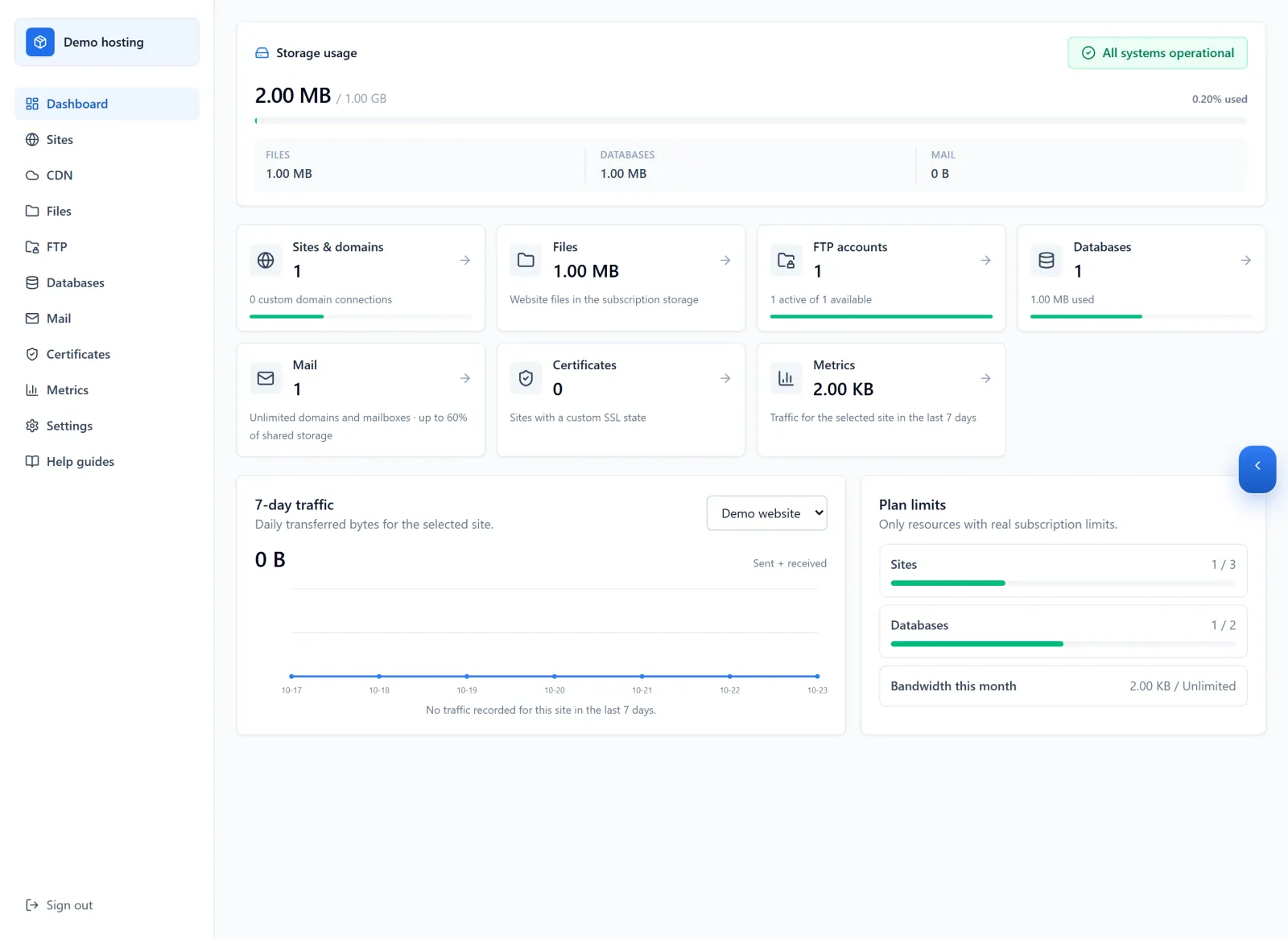
Figure 1: After checking service and billing status, review resource usage for the correct hosting subscription. This demo dashboard illustrates quotas; it does not replace checking the target site running state. 查看原图 - 域名不解析或 HTTPS 报错时,查看域名的 DNS、绑定和证书状态;检查的必须是实际访问的主机名。
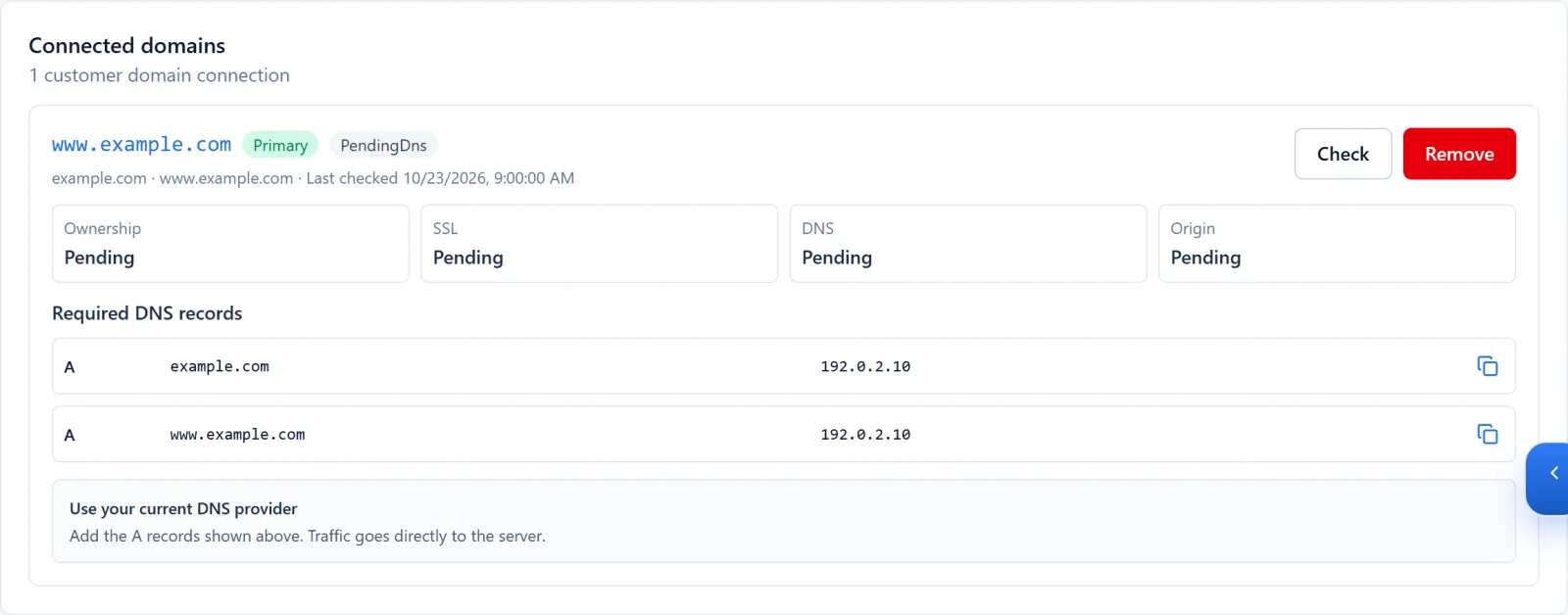
Figure 2: Check the hostname actually visited and distinguish DNS, SSL and origin states. The example.com names and 192.0.2.10 address are fictional examples, not your DNS target. 查看原图 - 404 优先检查目录和路由;502 或启动失败查看应用及发布日志;数据库错误单独核对连接与身份配置。

Figure 3: Inspect the relevant release logs to identify the failing stage before retrying. This is simulated demo output; use the actual error and timestamp from your own run. 查看原图
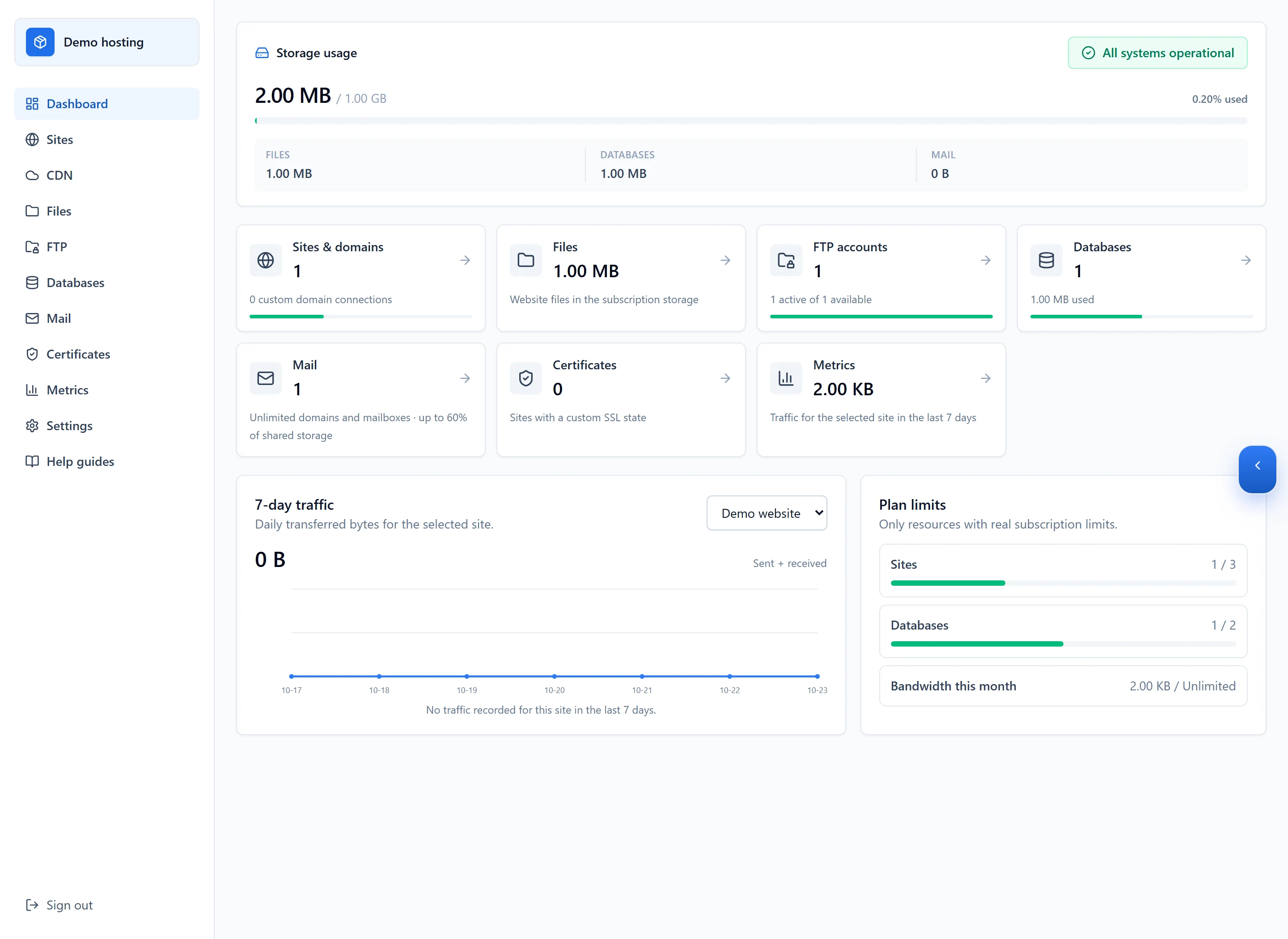
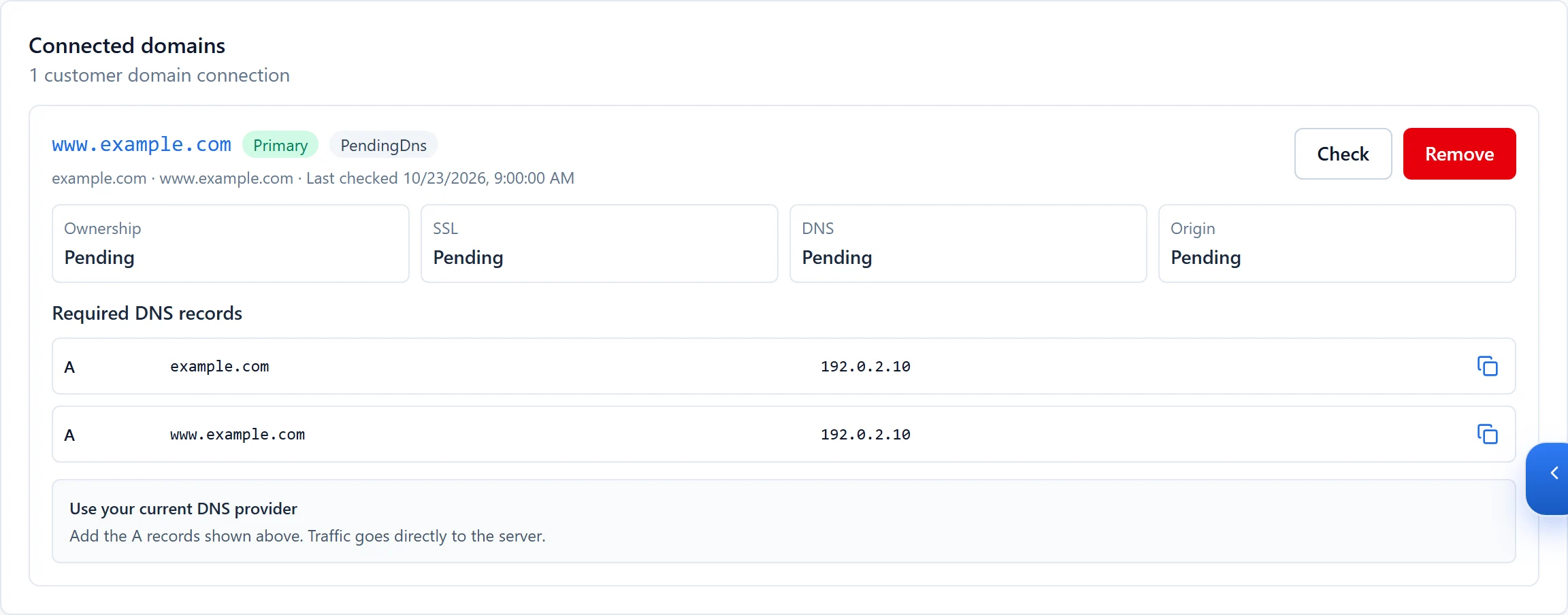

确认完成
- 修复后用原始 URL、内部页面及关键业务动作复测。看到首页不代表表单、API 和数据库都恢复。
遇到问题时
- 保留错误和发布记录再联系支持,说明影响的是一个页面、一个网站还是多个服务。
- 需要恢复旧版本时先确认文件、数据库和上传数据的兼容性,不将代码回退当作完整数据恢复。