联系技术支持:工单、聊天与问题资料
选择合适的支持入口,提交可复现的信息,并在同一记录中跟进。
适用范围适用于售前咨询、已购服务问题与交付沟通。AI 客服回复需要按具体产品和实际状态确认。
本页目录
开始前准备
- 准备产品、订阅或订单编号,以及你希望解决的问题。
- 截图先遮挡密码、令牌、付款信息和客户资料;日志只保留排查必要的部分。
操作步骤
- 已购客户登录客户中心 Support:持续处理的问题使用工单,即时沟通使用在线聊天。
- 在工单中写出预期结果、实际结果、发生时间、影响范围和复现步骤;附上脱敏错误截图。
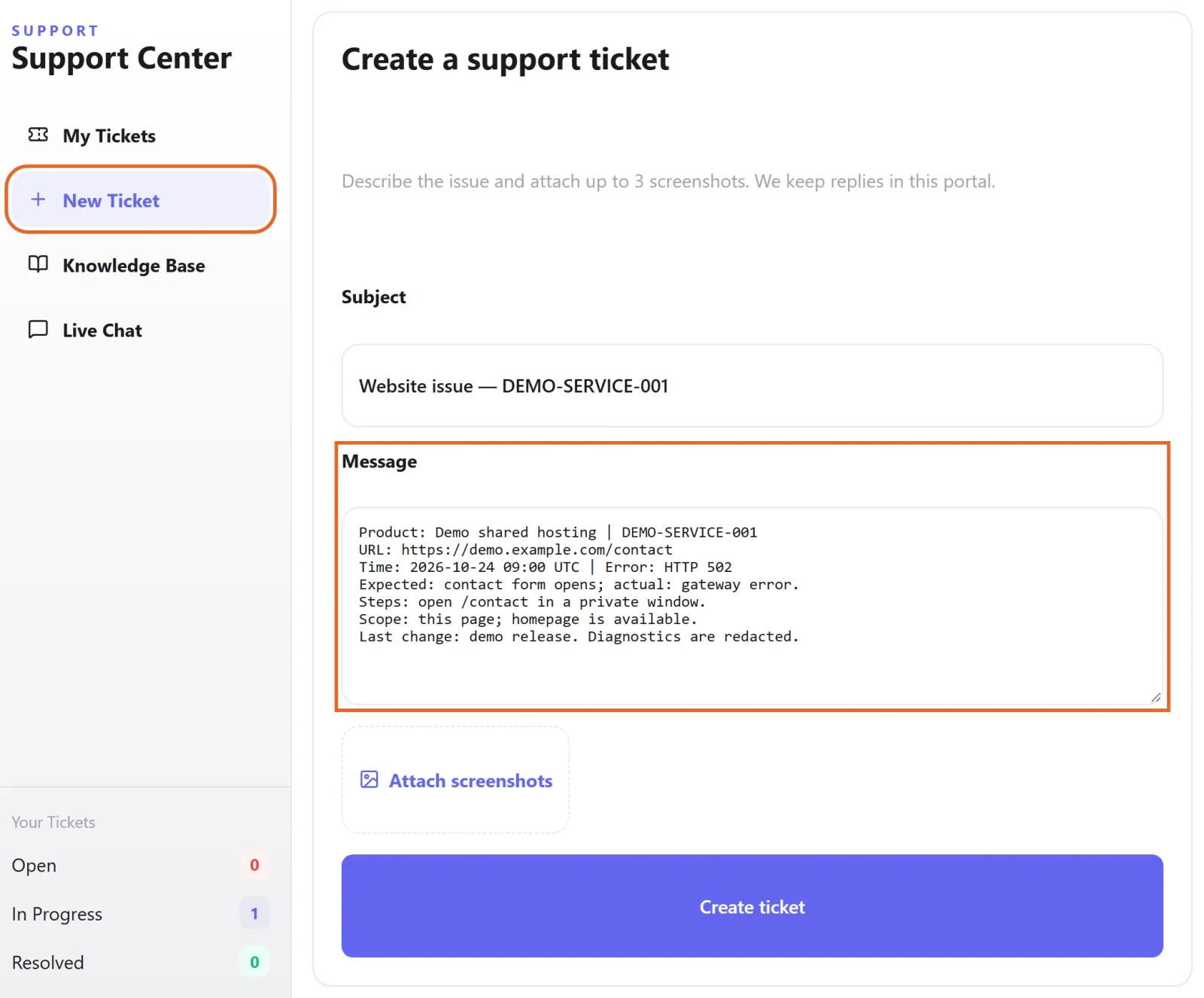
Figure 1: In Support → New Ticket, describe the expected and actual result, timestamp, affected scope and reproduction steps. Example unsent draft with fictional demo data; attach only redacted diagnostics. 查看原图 - 官网客服可用于初步咨询与提交问题。需要查询账户或执行变更时,按支持要求完成身份确认。
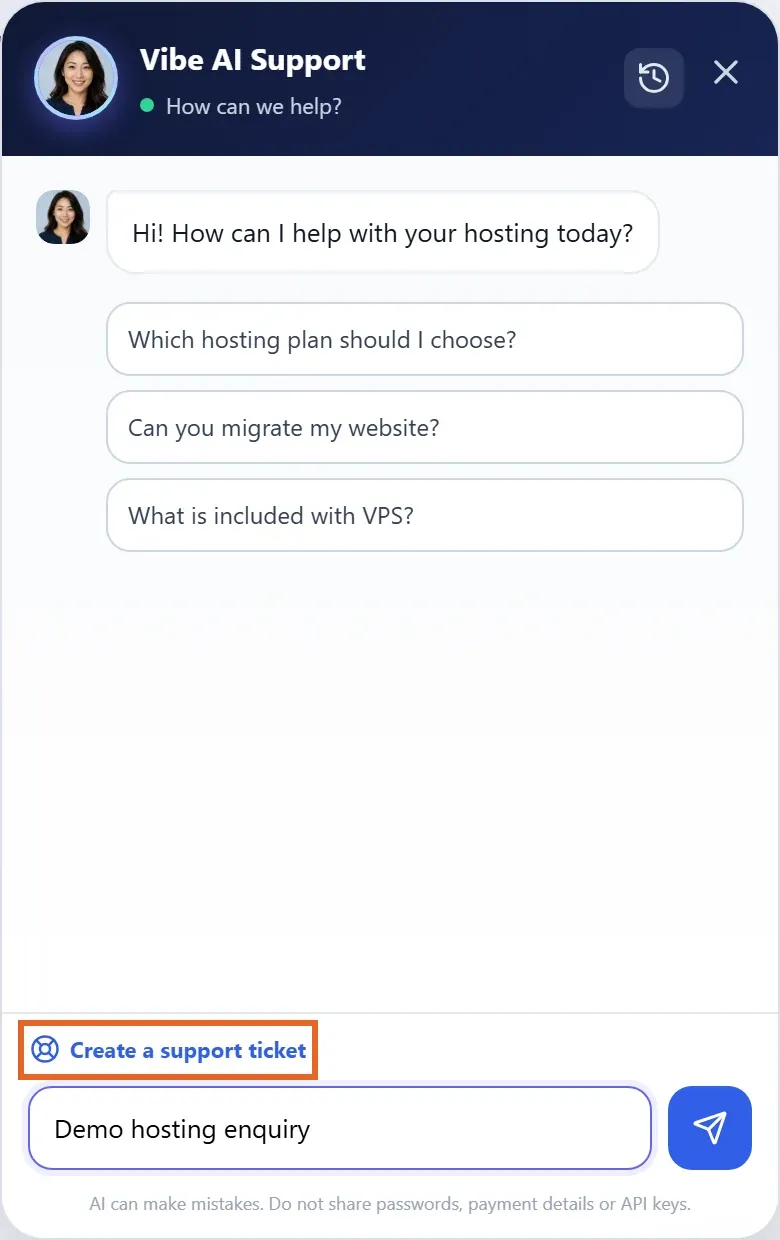
Figure 2: Open the website support widget for initial questions or use Create a support ticket to reach support. Demo session and unsent question shown; confirm AI advice against your actual service. 查看原图 - 备份与迁移请提交工单,工作人员通常约 10 分钟内解决;需要恢复数据也可提交工单。官网定制、产品功能开发、应用定制或第三方软件需求,可以联系客服了解。
确认完成
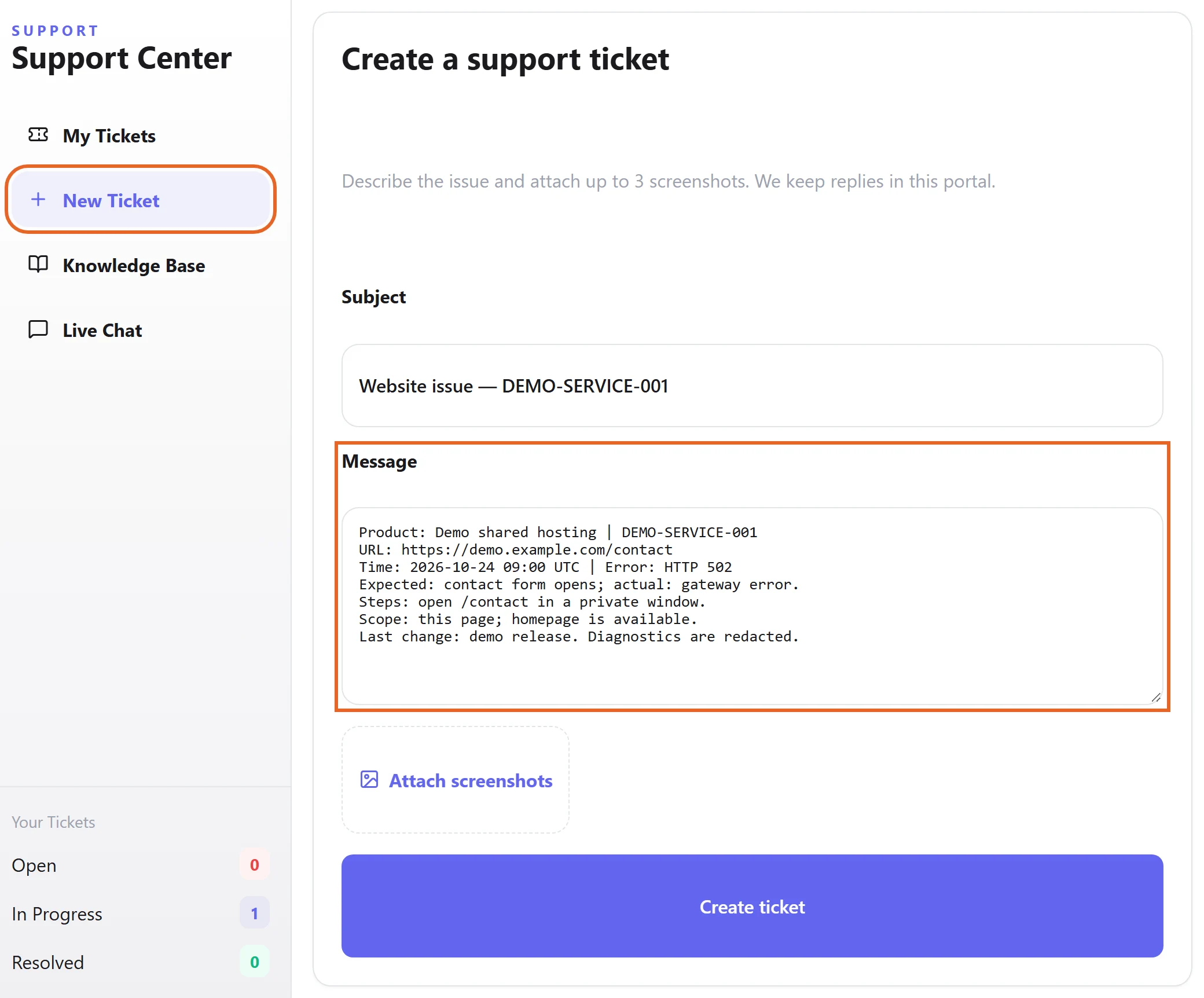
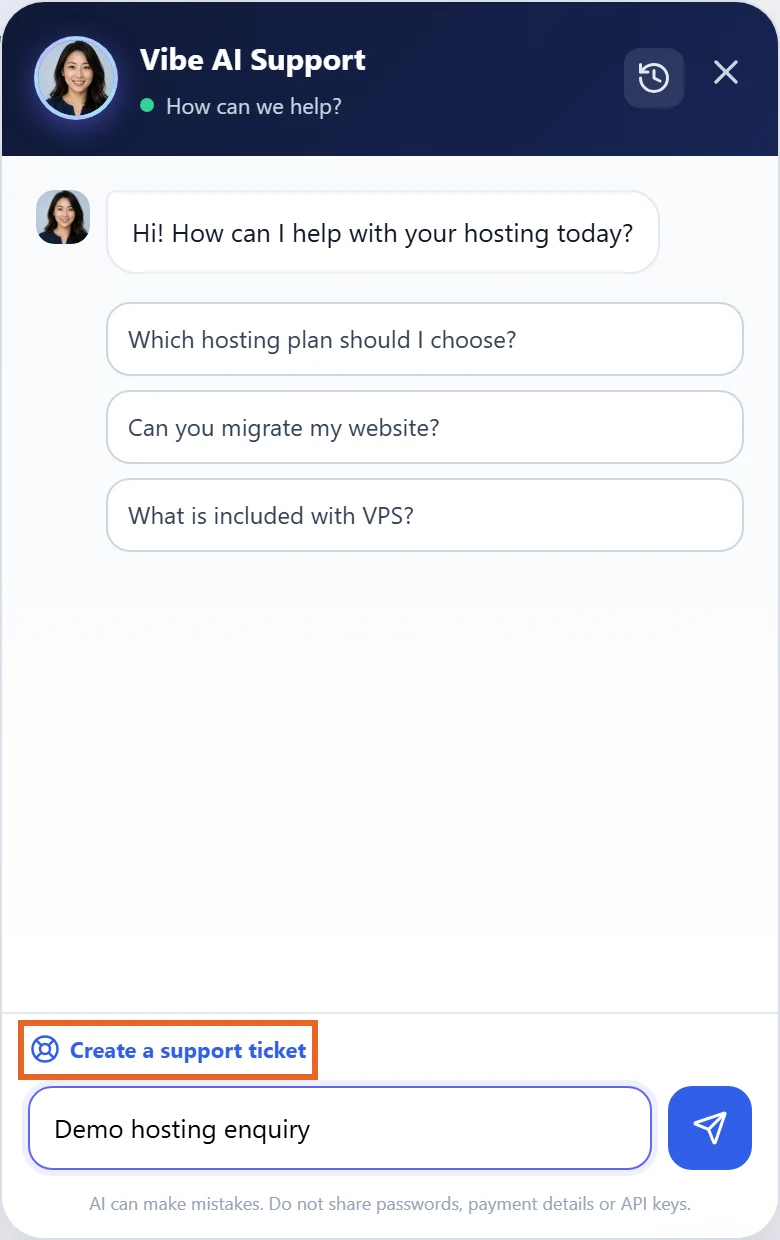
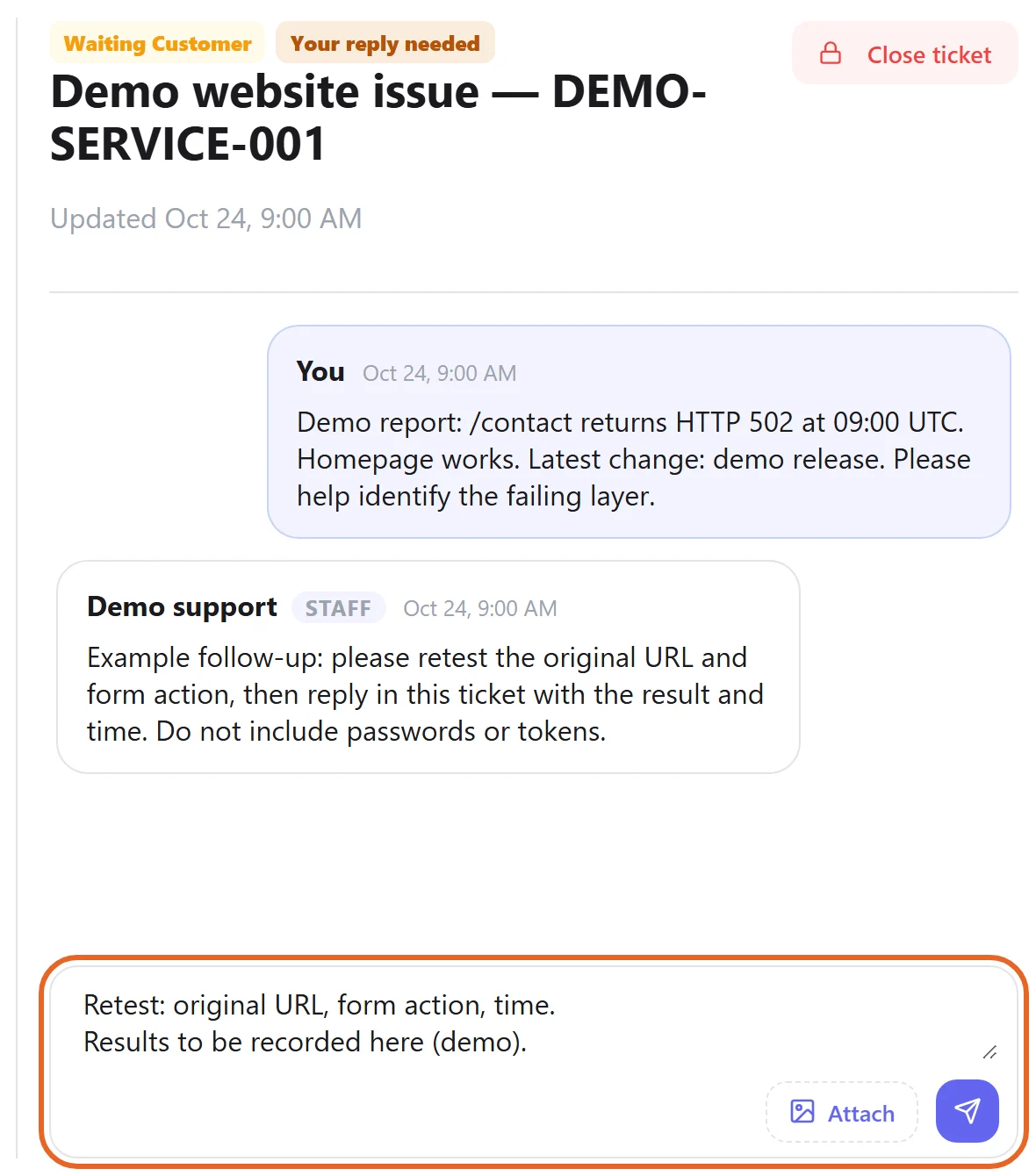
- 确认工单已成功创建并保存编号;回复和补充资料放回原工单,不只停留在本机输入框中。
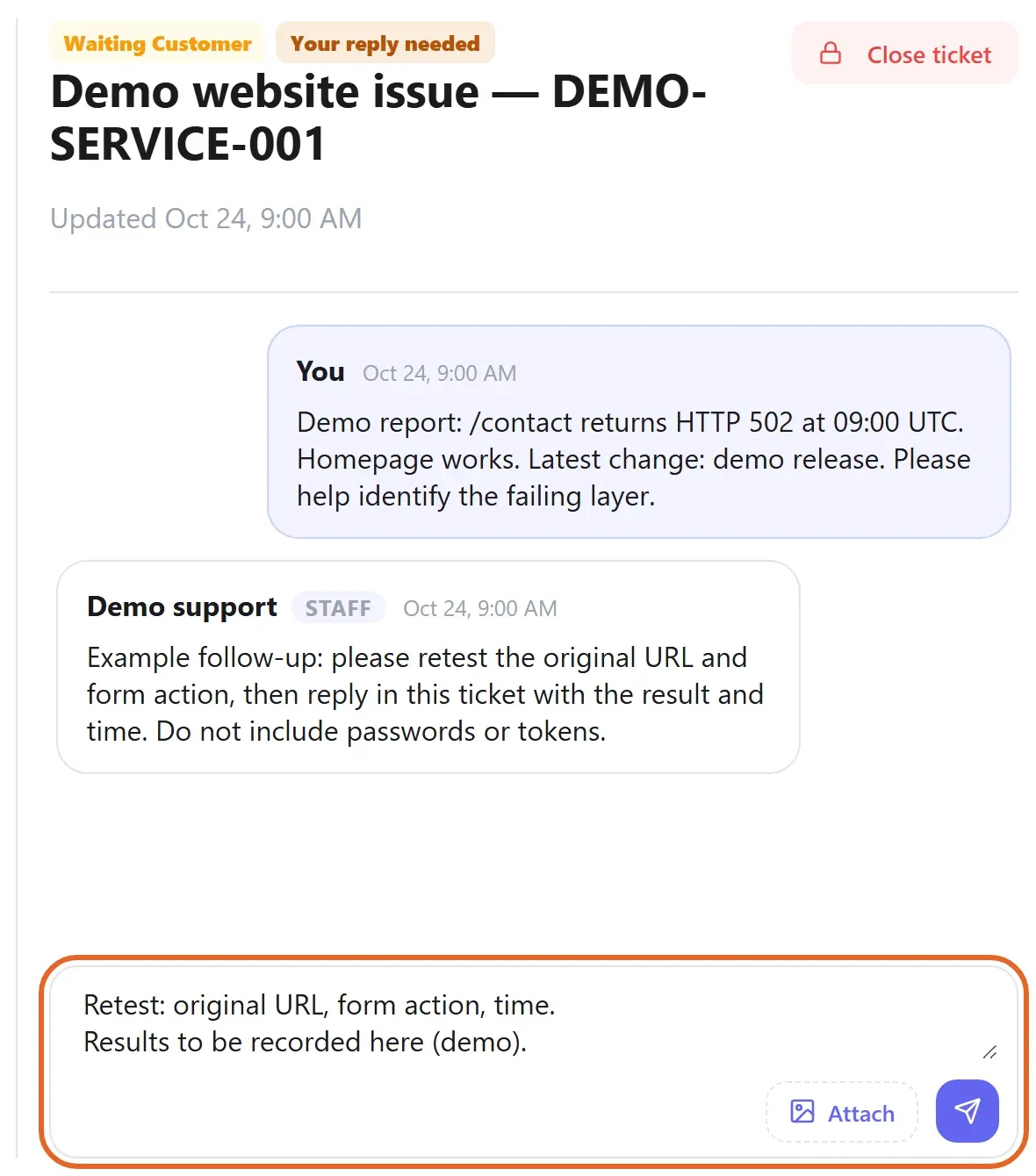
Figure 3: Keep the ticket reference and add test results to the original conversation. Fictional example ticket and unsent reply shown; an unsent draft is not a submitted update. 查看原图
遇到问题时
- 无法登录时先使用账号恢复或官网支持,说明注册邮箱和错误,不发送密码。
- AI 回复无法解决、与面板状态矛盾或涉及业务变更时,转交技术支持确认,不反复按不适用的步骤操作。