导出网站源码并安排后续维护
下载项目,检查入口和资源,再确定以后在哪里修改与发布。
适用范围适用于 Builder 项目导出。导出网站文件不会同时导出外部数据库或第三方服务账号。
本页目录
开始前准备
- 保存当前项目,确认你要导出的网站目录和页面。
- 列出表单、地图、支付、分析等外部依赖,记录它们由谁维护。
操作步骤
- 使用项目导出操作保存 ZIP,解压后核对页面、图片与引用路径。
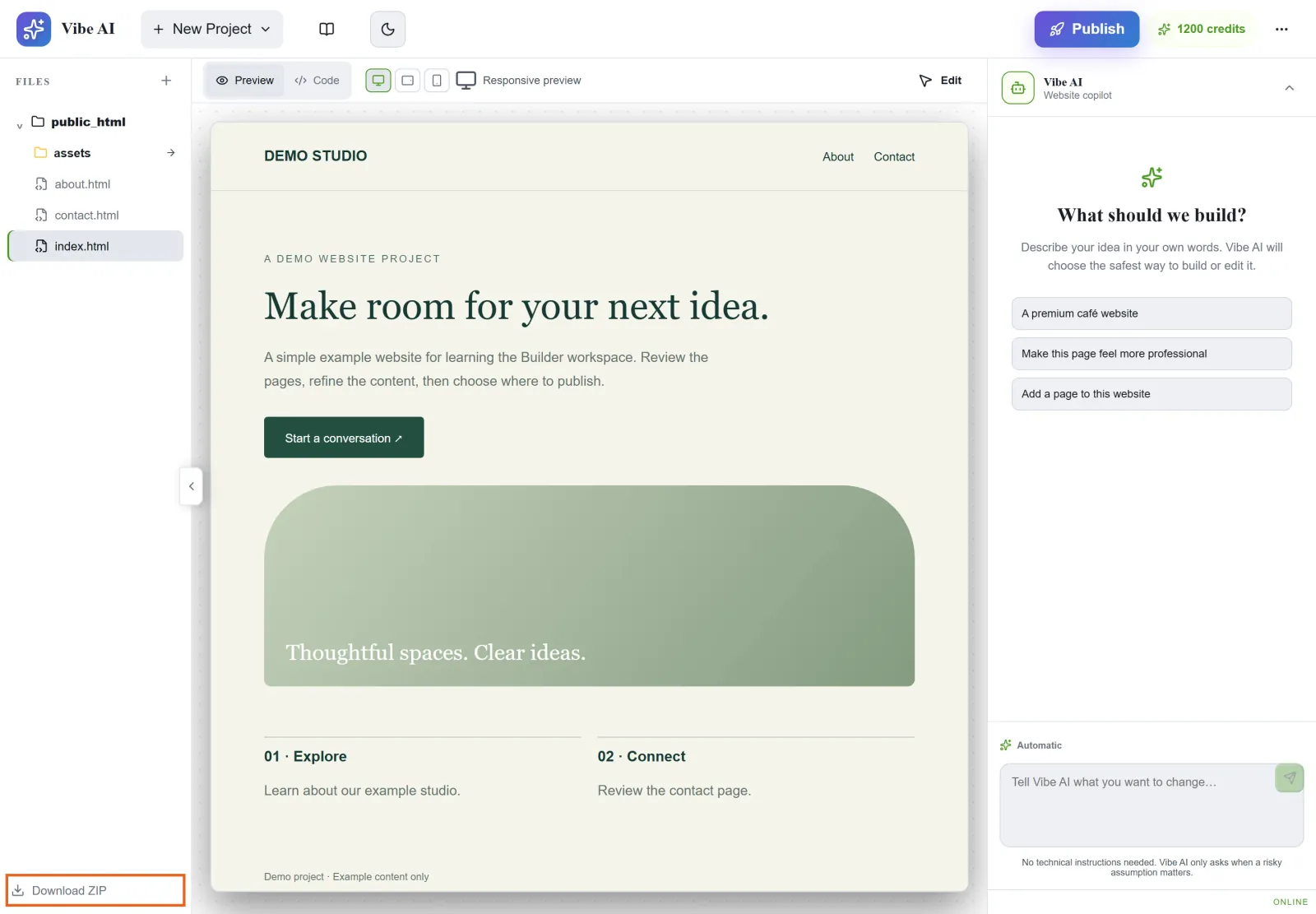
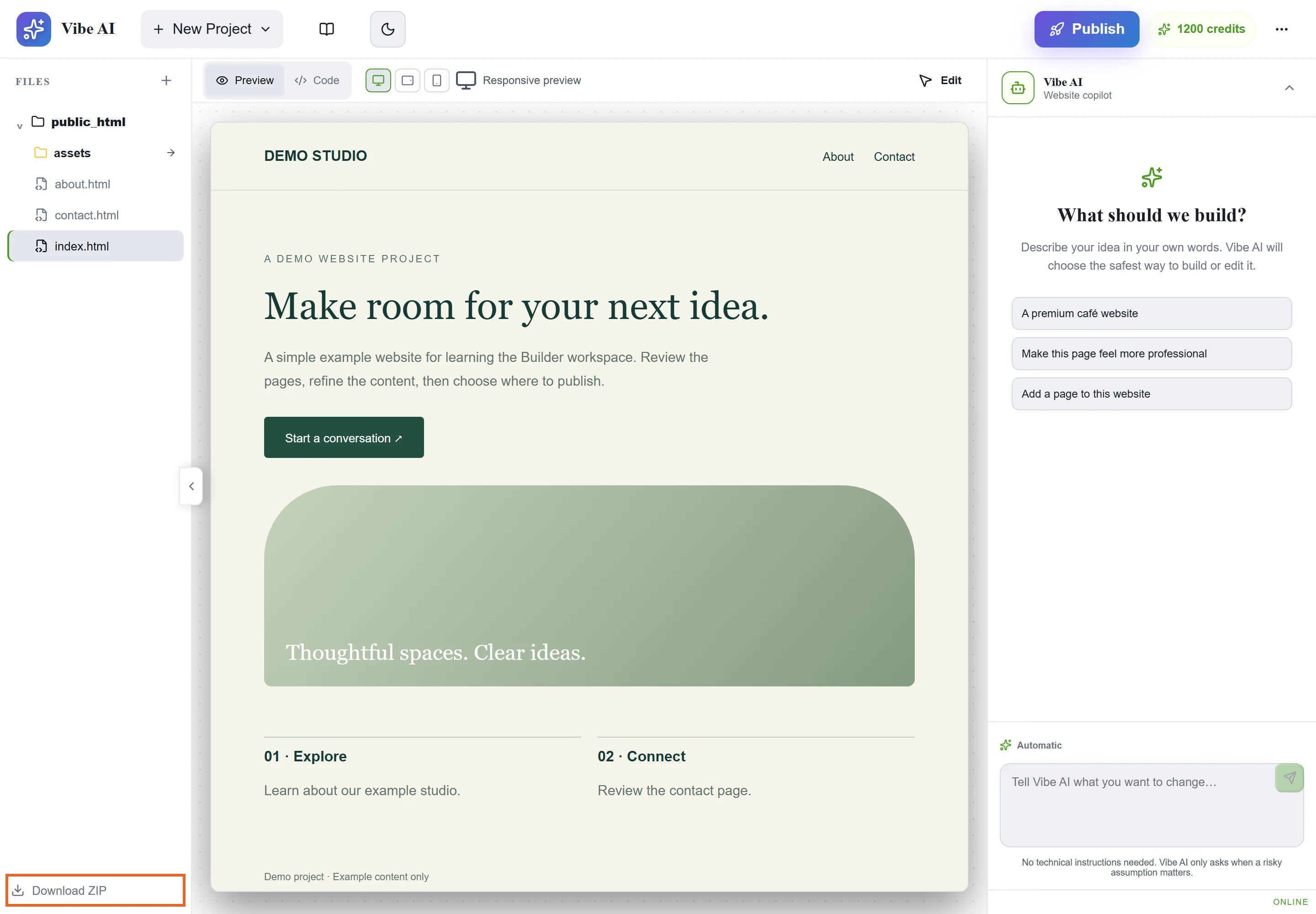
Figure 1: Use Download ZIP to export the project source. Note the page files and assets in the project tree. Demo project shown. 查看原图 - 通过本地预览或测试站点检查入口和内部页面;需要运行环境的外部功能单独验证。
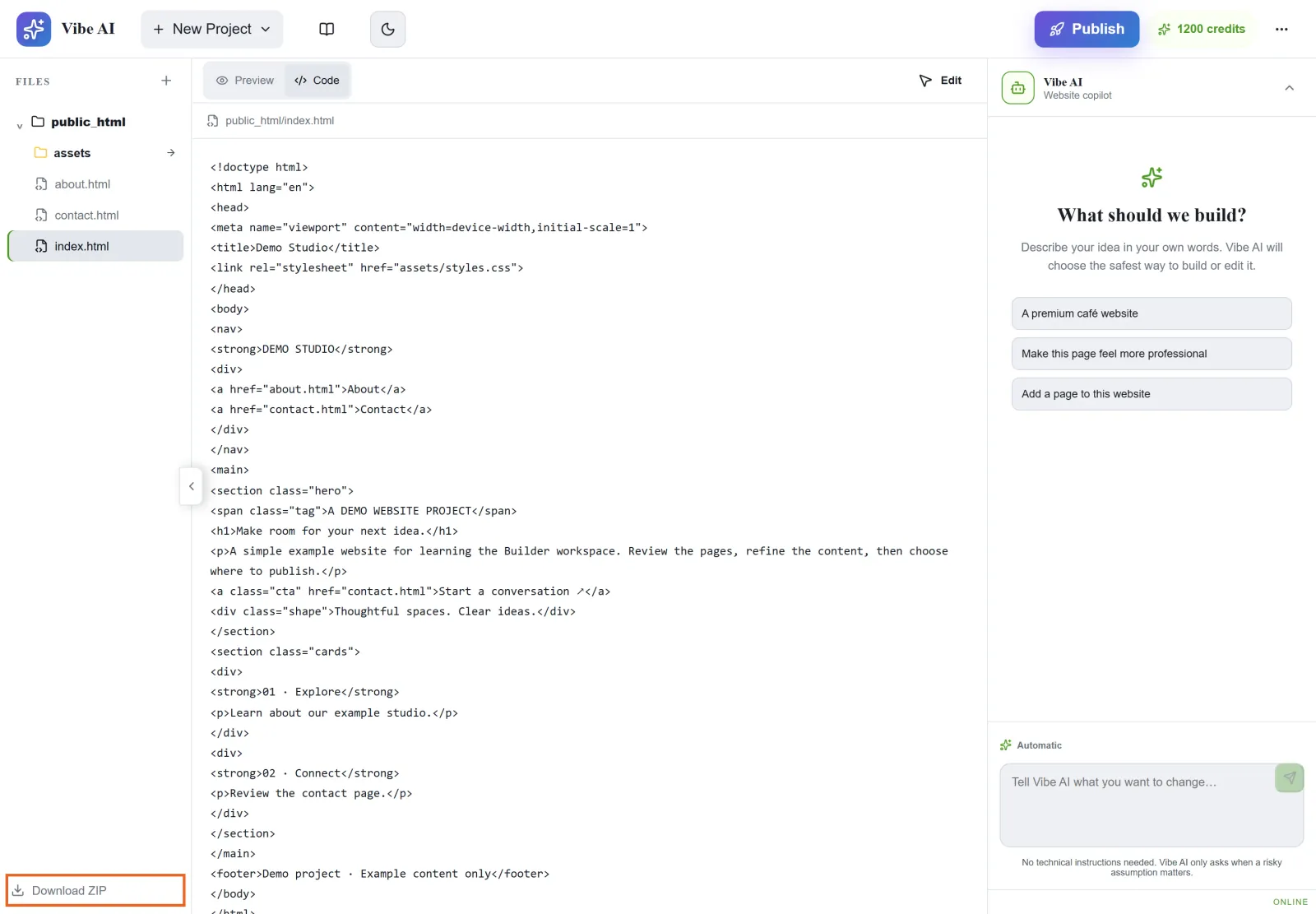
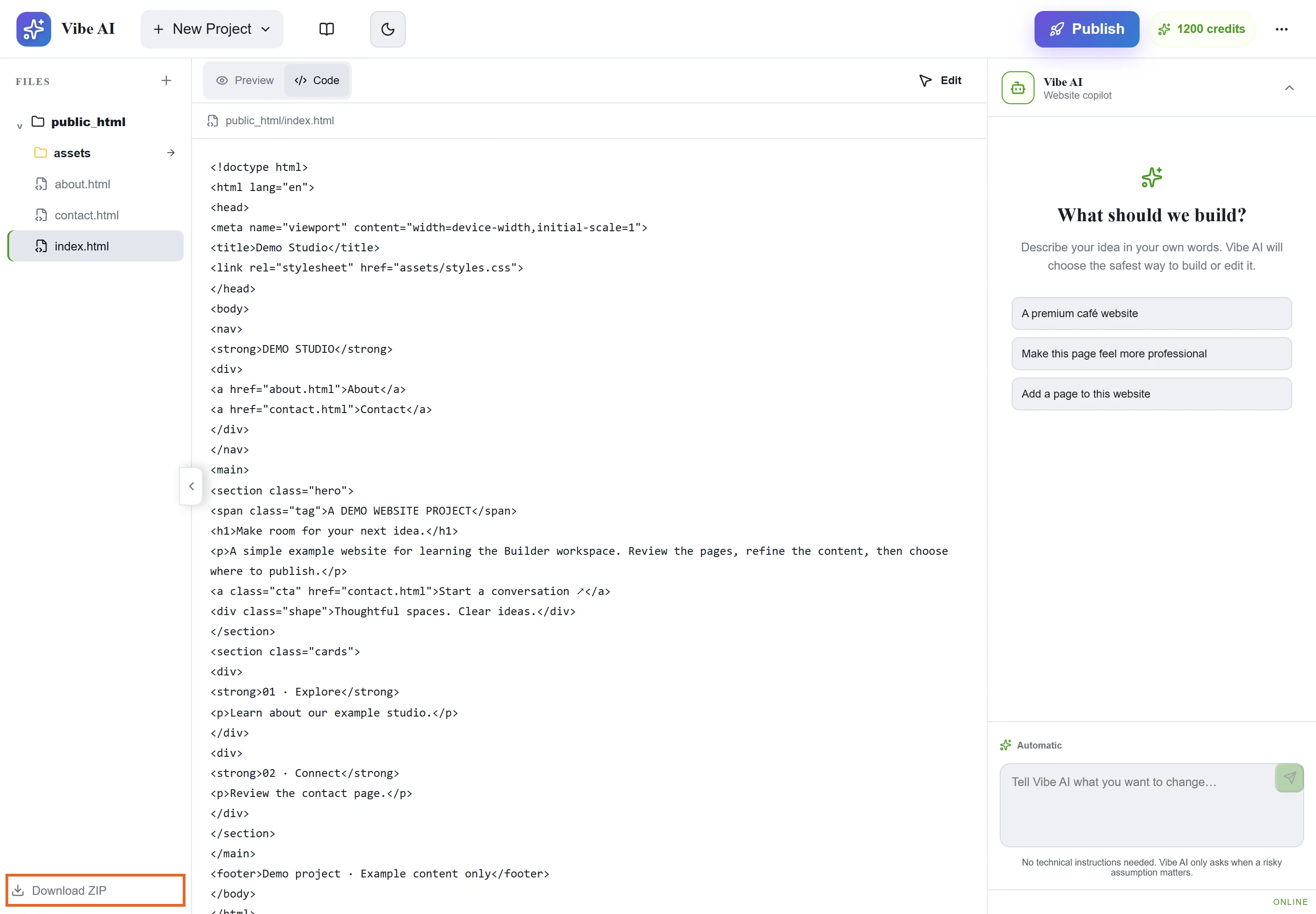
Figure 2: Code view helps inspect page markup and relative asset paths. After extraction, also test the exported site and external integrations. This is illustrative demo source. 查看原图 - 决定后续以 Builder 项目还是独立代码仓库为修改来源,并保留发布版本。避免两个来源轮流覆盖而丢失修改。
确认完成
- 在目标主机测试网站与关键外部功能,确认资源路径和域名配置正确。
遇到问题时
- 资源缺失时检查导出范围、相对路径和大小写;不要只改页面文本掩盖缺失文件。
- 需要继续编辑时先核对当前正式版本。发布或清理前保留本地备份,不假定项目始终可在工具中恢复。