You built it.Let's get it online.
Give your website a home your customers can visit. Manage your sites, domains, databases, and files in one control panel, with less back-and-forth on everyday tasks.


Everything you need to get online
Apps & databases
Website essentials
Management & security
Apps & databases
Website essentials
Management & security

Your idea. Built together.
More storage, more sites, coding help or a business website. Tell us what you have in mind.
Storage, site count & file limits
Help with your project’s code
Business website design & development
Your idea, live on the web.
Describe the website you want. Vibe AI writes the pages, lets you edit every line, and publishes everything to your own hosting.
Ideas shaped
into digital.
A creative studio for ambitious brands.
Create a bold portfolio for a digital design studio.
A complete website in three simple steps
Describe your website
Tell the AI about your business, pages, visual style and content.
Preview and refine
Chat to make changes or edit the generated source files directly.
Publish to your hosting
Connect FTP or FTPS and deploy. Builder files are deleted after success.
Not locked into a website platform.
Download your complete website or publish it to any compatible host. The generated files stay portable and understandable.
Build your websiteYour project, with people behind it.
Vibe Hosting gives developers, small teams, and businesses a place to build and host their websites and apps. We offer web hosting, managed VPS, and AI website tools, along with practical help with deployment, databases, and server setup.
Find the right fit
Have a website? Bring it online with Web Hosting. Need dedicated resources and a custom environment? Choose managed VPS. Starting with an idea? Try AI Builder.
Someone to ask when you get stuck
Deployment failing? Database not connecting? Unsure how to set up your environment? Tell us what you are working on, and we can help you troubleshoot and plan the next steps.
Everyday tasks, in one place
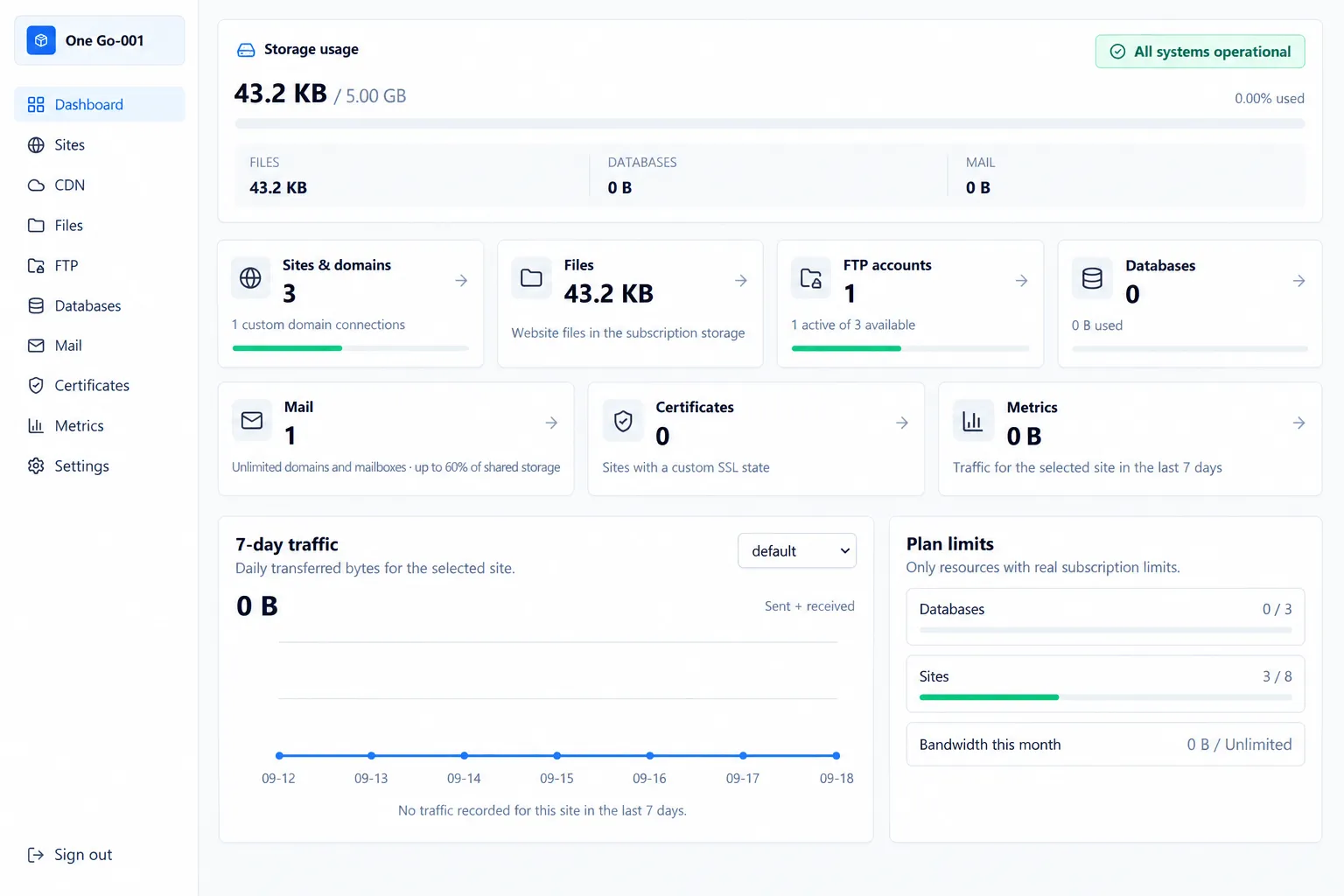
Manage your sites, domains, databases, and files from the control panel. Keep the tools you use regularly close at hand once your site is live.
Room for your next step
As your project changes, choose the resources that suit it. If you need to upgrade or move, talk to us about the setup, migration steps, and technical help involved.
From purchase to a working environment
Choose your VPS
Choose Windows or Ubuntu and the resources your software needs.
Create an account and purchase
Register in the customer control panel and complete your VPS purchase.
Submit a ticket or open live chat
Tell us what you want to run and where you need help. Our technical staff are online 24/7.
Set up and start using
Our team helps configure and troubleshoot your environment. Submit another ticket whenever you need help during use.
Hosting FAQ
01What is web hosting, and why does my website need it?
Web hosting stores your website's code, images, databases, and other files on an internet-connected server. A hosting plan keeps that content available so visitors can reach your site through its domain name at any time.
02What is Shared Hosting?
Shared Hosting places multiple customers on managed server infrastructure while giving each account its own limits and workspace. It is affordable, easy to operate, and ideal for websites, portfolios, business sites, WordPress, nopCommerce, and application projects that do not need server-level administration.
03What is VPS Hosting?
A VPS gives you an isolated virtual server with the CPU, memory, and storage allocated to your plan. Choose Windows or Linux, install your own software, and configure the environment. You can also ask us for help with deployment and setup.
04What is the difference between Shared Hosting and VPS?
Shared Hosting is a straightforward way to host and manage a website, with the underlying server managed by us. A VPS gives you more control and flexibility. We can help with deployment, configuration, and troubleshooting; the scope and any charges depend on your plan and what we agree with you.
05Should I choose Shared Hosting or a VPS?
Choose Shared Hosting when you want to launch quickly without managing a server. Choose a VPS when your application needs dedicated resources, custom server software, full administrator access, or greater control over the operating environment.
06Do I need technical knowledge to use hosting?
You do not usually need server administration experience for Shared Hosting. A VPS involves more setup, but you can ask us for technical help. Before choosing a plan, tell us about your project so we can discuss what you need and the support available.
07Can I deploy WordPress, nopCommerce, and custom applications?
Yes. Shared Hosting supports one-click WordPress, nopCommerce, and other apps, plus custom projects built with .NET, Node.js, Python, PHP, Java, or static files. You can also connect GitHub for automatic deployments.
08What is included with Shared Hosting?
Paid Shared Hosting plans include free SSL, unlimited email accounts and bandwidth, MSSQL, MySQL and PostgreSQL, a global CDN, website migration, daily and on-demand backups, a web application firewall, a domain name, GitHub deployments, and one-click apps. Plan-specific site, storage, and file limits are shown on each card.
09Can you migrate my existing website?
Yes. Free website migration is included with every paid Shared Hosting plan. Our support team will review your current stack and coordinate the safest migration approach; compatibility and timing depend on the application.
10Can I upgrade from Shared Hosting to a VPS later?
Yes. You can start on Shared Hosting and move to a VPS when you need dedicated resources or more control. Contact support to plan the move, as some applications may require a scheduled migration and configuration changes.
Manage services and get help, all in one place.
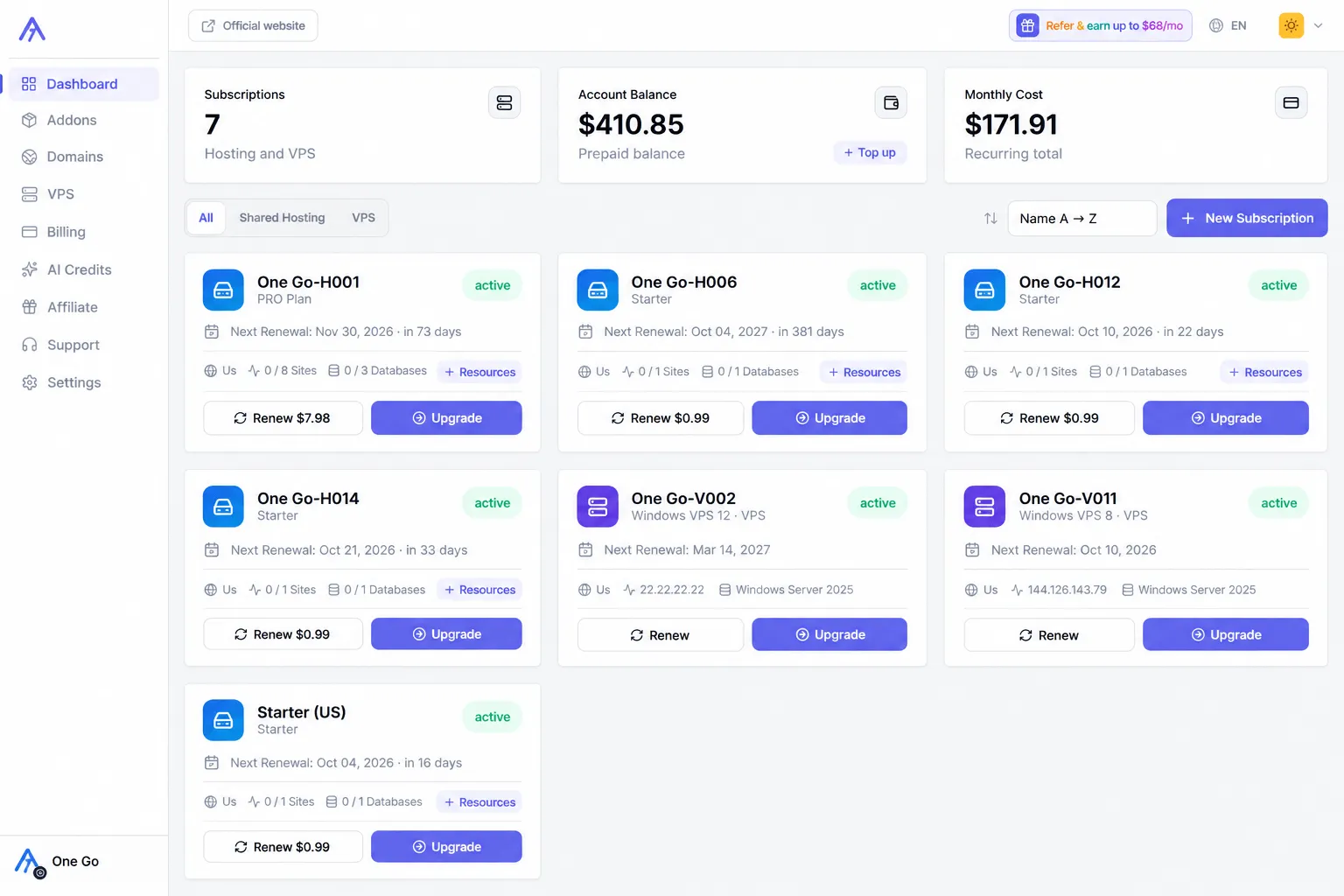
View your services and manage renewals. Need help with setup or a technical issue? Submit a ticket or start a live chat. Our technical team is online 24/7.
- My services
- Billing & renewals
- Tickets & live chat