Request backup, recovery or website migration
Arrange staff assistance through a ticket and confirm the data scope before work begins.
Applies toRequest backup, recovery or migration through a ticket. Staff usually resolve backup and migration requests within about 10 minutes.
On this page
Before you start
- Have the account, hosting package and site name ready, and specify backup, recovery or migration.
- For migration, list source, database, uploads, domains and mail. For recovery, identify the desired point in time and any newer data that must be preserved.
Follow these steps
- Create a ticket in customer-centre Support with the target site, purpose, data scope and expected result.
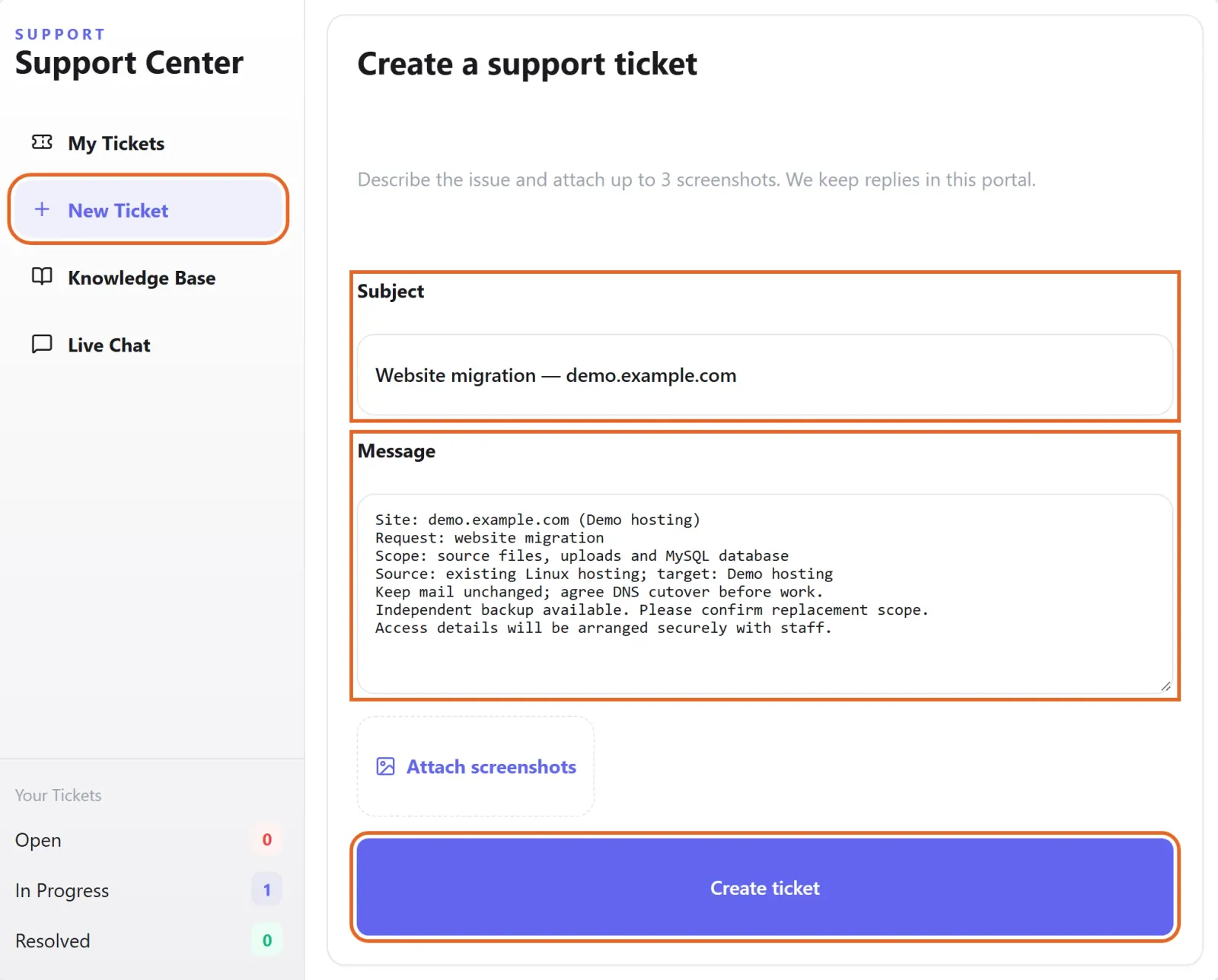
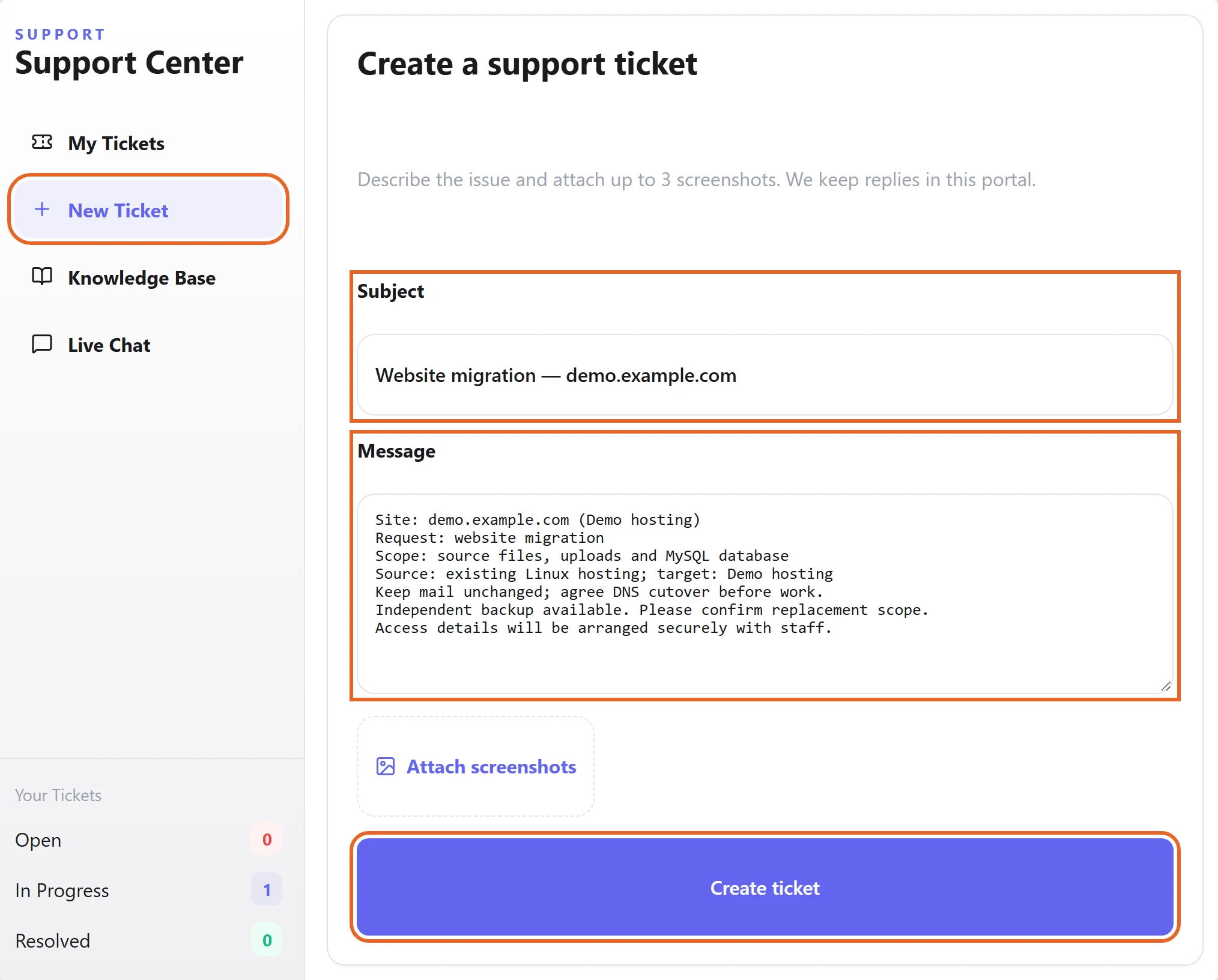
Figure 1: In Support, choose New Ticket. State whether you need backup, recovery or migration, identify the site and describe the data scope. This migration example is an unsent draft with demo data. View full-size image - For migration, describe source and destination environments, stack and database engine. Arrange necessary access securely with staff rather than publishing passwords in the ticket.
- Confirm file and database versions, replacement scope and DNS cutover before execution. Mention any independent backup you already hold.
Check the result
- For backups, confirm the files, database and snapshot time. After migration or recovery, test the public URL, login, forms and database access.
- Confirm the result in the original ticket and check that mail, DNS and external integrations remain correct.
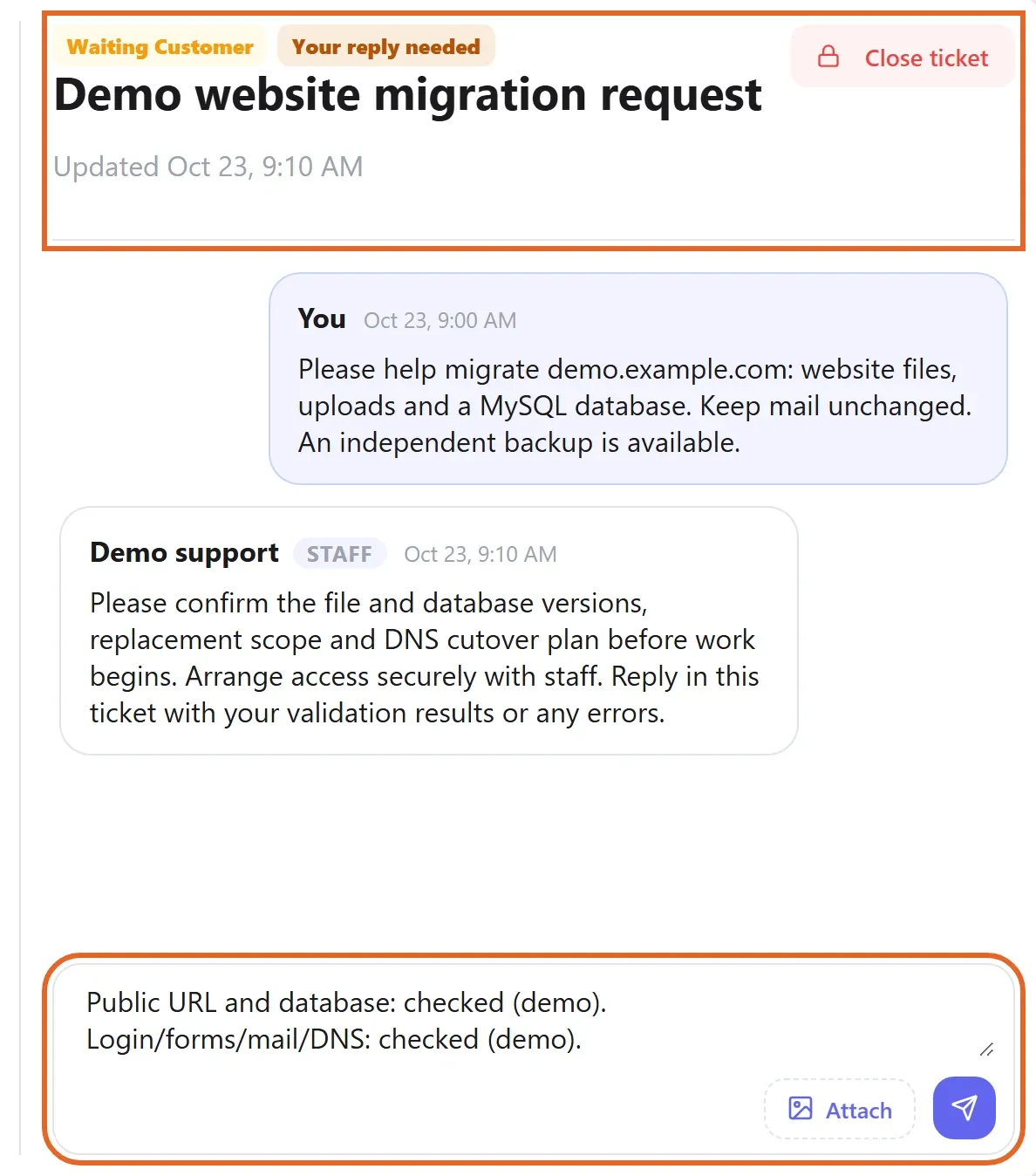
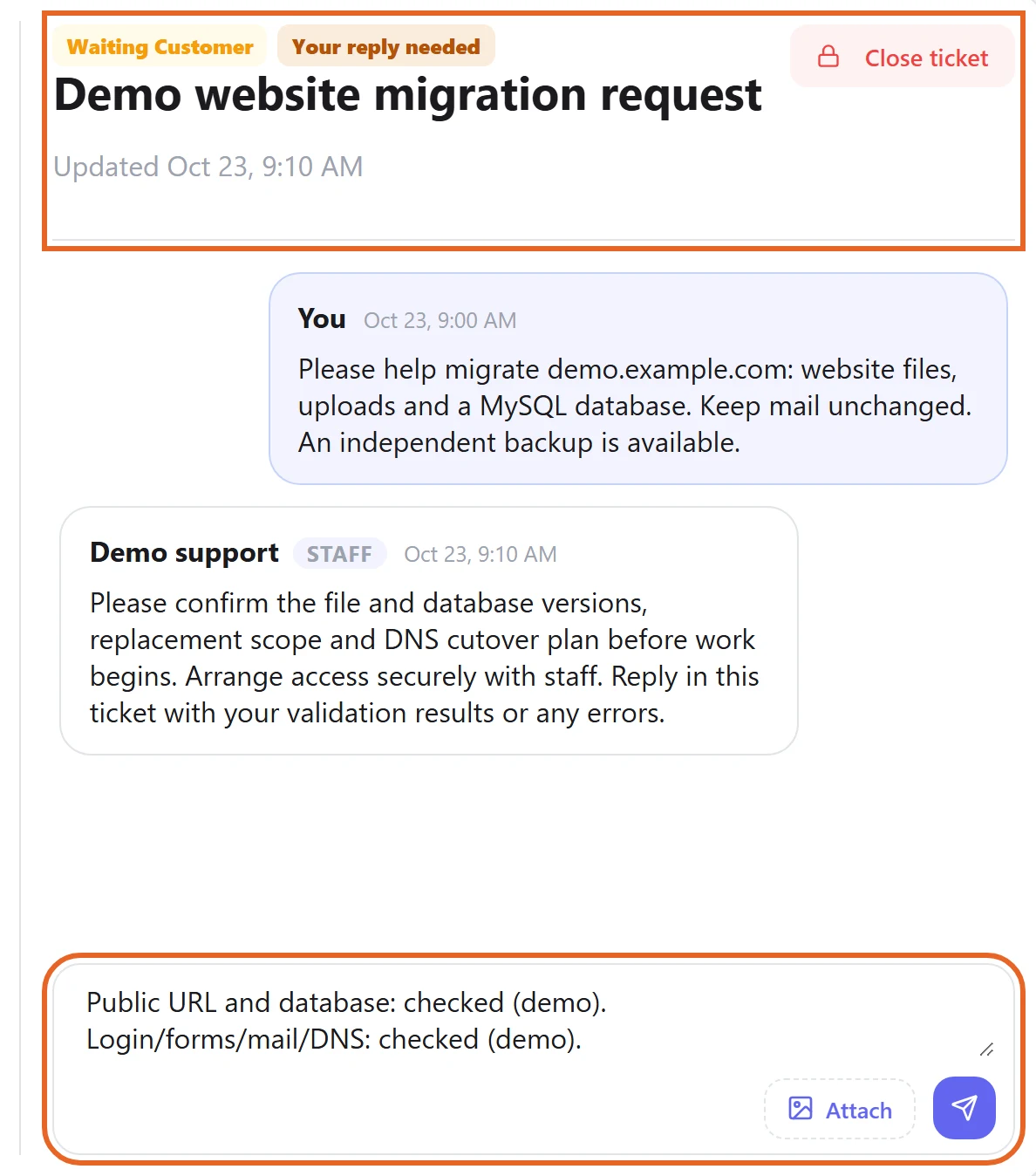
Figure 2: Continue in the original ticket to confirm the scope, report validation results or share errors. Example conversation and unsent reply shown; demo data only. View full-size image
If something goes wrong
- If the result differs from expectations, reply in the original ticket with the exact URL, error, time and reproduction steps.
- Retain current usable data before recovery, and do not cancel the source host or remove old files before validating migration.